
Computer vision education, built for distance
Geography has never been a fair reason to miss out on quality technical training. Teams-central connects students across the state through structured, hands-on workshops in computer vision programming.
Every workshop runs inside ms teams, so participants join from wherever they are - no commute, no compromise on depth.

Practical skill over passive watching


Approach: step-by-step assignments
Each workshop breaks complex computer vision topics into discrete, completable tasks. Participants build working code at every stage rather than following along passively.
Platform: microsoft teams as the workspace
Sessions run directly in msteams - screen sharing, breakout rooms, and file collaboration all happen inside a tool participants likely already use at work or school.
Topics covered in workshops
- Image classification with convolutional networks
- Object detection and bounding box annotation
- Real-time video stream processing
- Model evaluation and confusion matrix reading
- Deployment of vision models to edge devices
The people who run it
Teams-central was founded in 2016 by practitioners who wanted workshops that matched how real computer vision projects actually work - iterative, collaborative, and grounded in ms teams tooling.

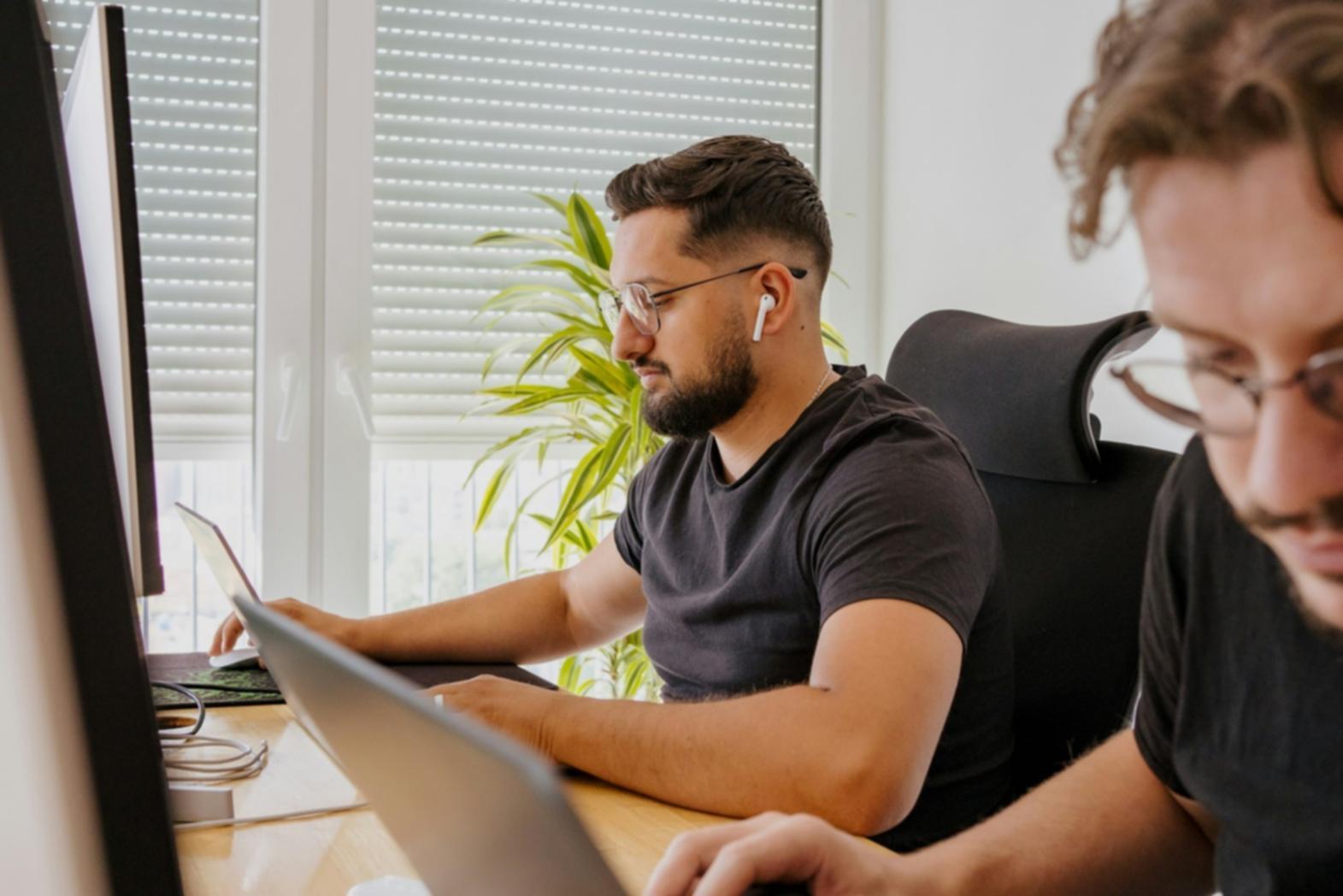

Bastian Ohlert
Bastian designs the core workshop curriculum and runs live coding sessions inside microsoft teams. He has spent years working on production vision pipelines before moving into teaching.

Priya Nambiar
Priya manages participant scheduling and msteams room setup. She makes sure every session starts on time and that participants can access their assignment files before the workshop begins.
You, wherever you are
No previous computer vision experience is required for most tracks. A working Python environment and a stable connection to ms teams is enough to get started with the first assignment.